Photograph a mole, a scar or a whole area, then come back weeks later and see exactly what is different. No account, no cloud — everything stays on your iPhone.
Six things, all of them on your device. Spot detection is approximate by design — you can add a mark it missed, or remove a ring that is not really a spot.
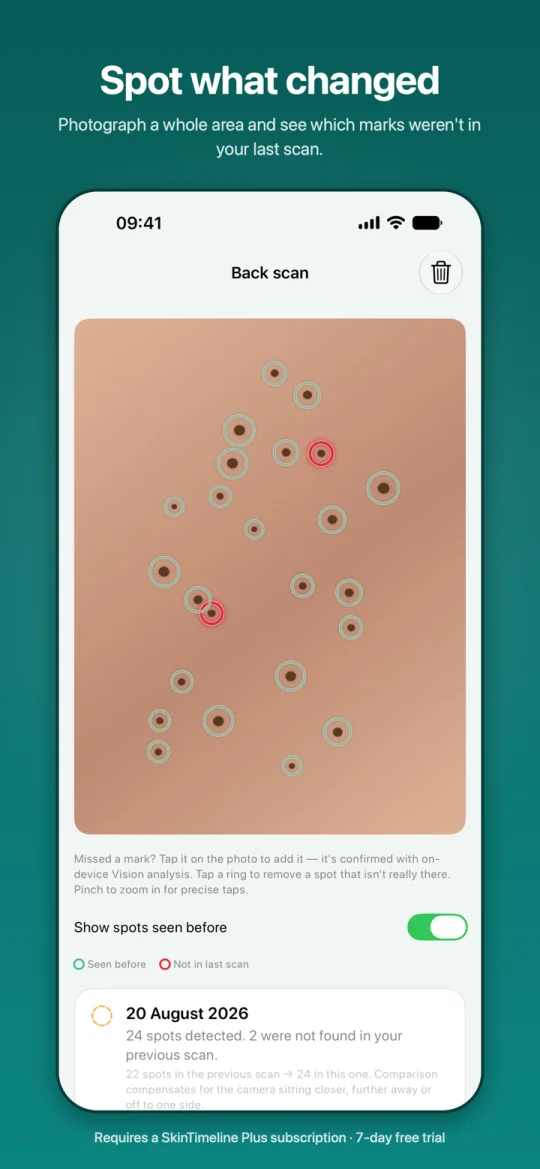
Photograph a whole area, such as your back, and the app rings the spots it finds. Compare it with your last scan and the ones it did not find before are highlighted.
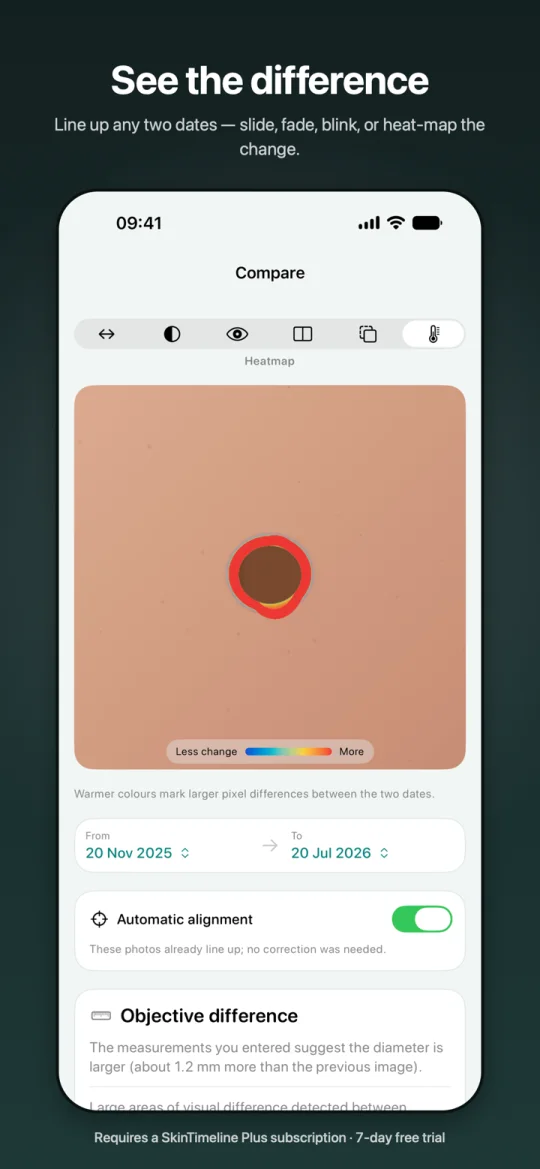
Slide, fade, blink, or use a difference or heat-map overlay. Photos are lined up on-device first, and only when that genuinely improves the match.
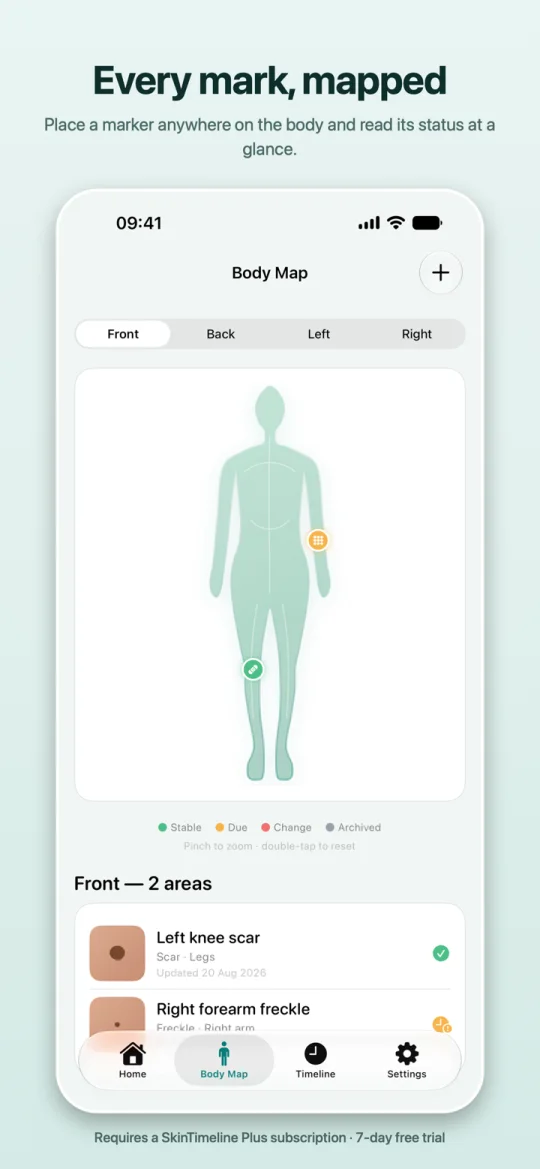
Place a marker anywhere on the front, back or either side, and see at a glance which areas are current and which are due.
Every photo dated and kept in order, with any measurements and notes you add yourself.
A gentle nudge when an area is due for a new photo, on your own schedule.
Export a single tracked area as a PDF and send it wherever you choose through the standard iOS share sheet.
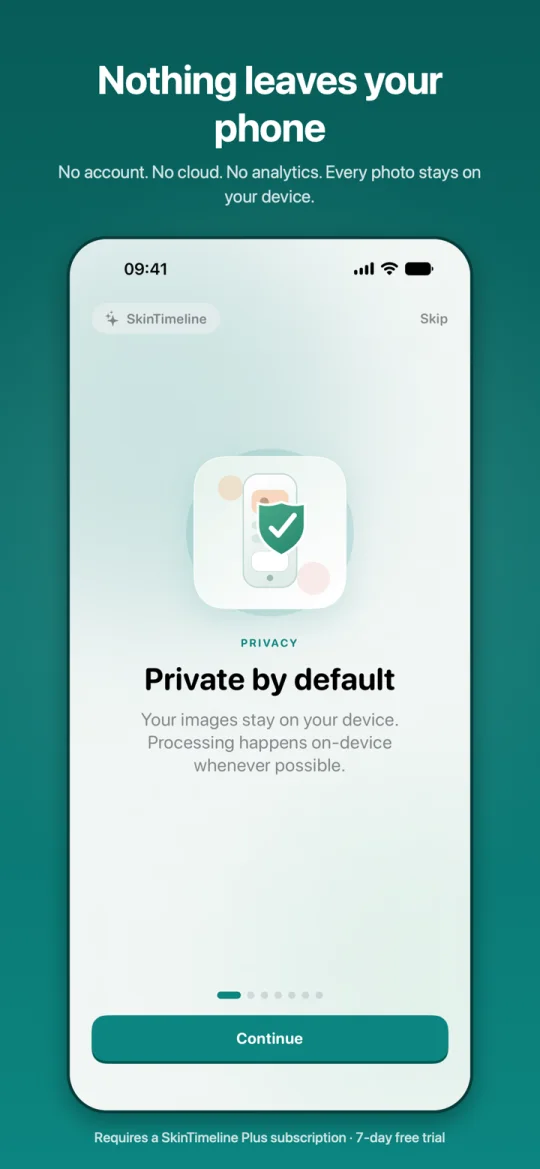
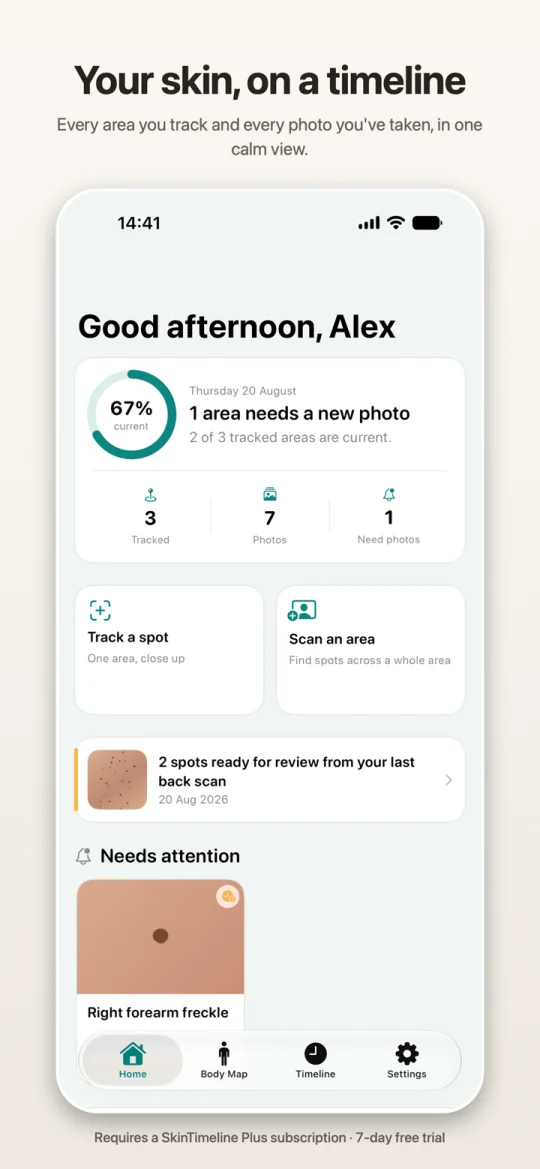
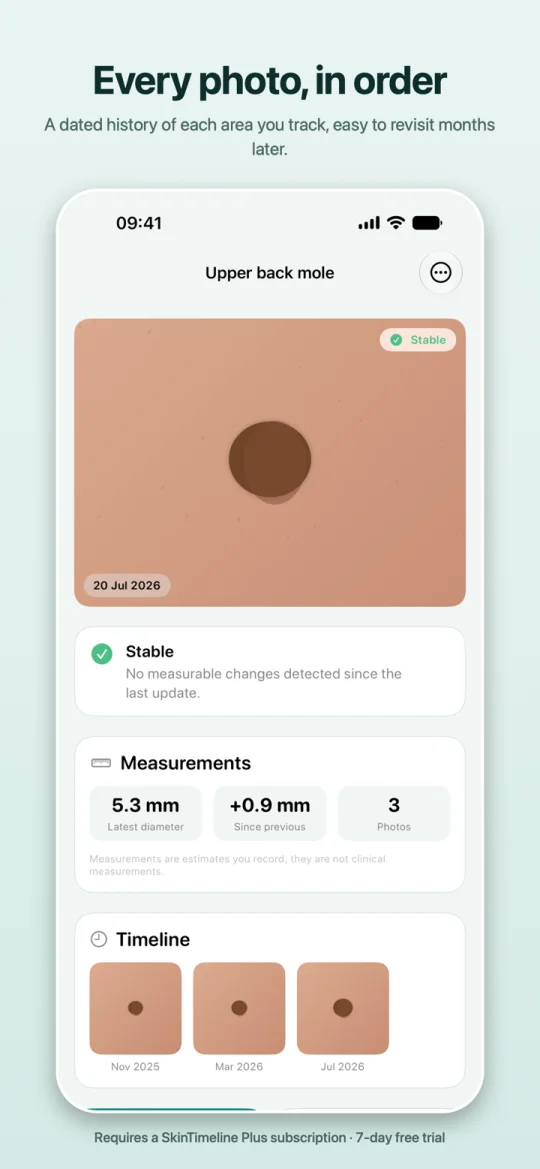
Skin Timeline is an iPhone app, iOS 18 or later. There is no account and no sign-up — open it and start.
Capture a single mark or a whole area such as your back. Add your own measurements and notes if you want them.
Set a reminder on your own schedule. When you re-photograph the area, the app lines the two up and shows you what is different.
Skin Timeline documents change. It is not a medical device. It does not diagnose, screen for, or assess any skin condition. Spot detection is approximate: it can miss marks and it can ring things that are not skin features, which is why you can add and remove them yourself. Measurements are the ones you enter. If something looks new or different to you, speak to a healthcare professional.
Skin Timeline requires Skin Timeline Plus, an auto-renewing subscription. Every feature on this page is part of it, and there are no other purchases in the app. Both plans begin with a 7-day free trial.
Payment is charged to your Apple Account at confirmation of purchase. The subscription renews automatically unless auto-renew is turned off at least 24 hours before the end of the current period. You can manage it and turn off auto-renew in your Apple Account settings. Any unused portion of a free trial is forfeited when you buy a subscription. Full detail is in the Terms.
Feedback goes straight to the developer — no ticket queue, no bots. Happy to help.